
AI integration in WordPress has moved past the experimental stage — the tools are production-ready and installed across millions of sites. The practical value falls into four categories: content generation and SEO optimization within the editor, customer support chatbots, image compression and alt text automation, and WooCommerce product description generation. The right combination depends on what your site primarily does.
This covers the most capable AI plugins available for WordPress in 2026, how each category of tool works in practice, and the implementation sequence for adding them to a live site without disrupting existing functionality.
What AI integration means for a WordPress site
Adding AI to WordPress means connecting plugins to external AI APIs — most commonly OpenAI’s GPT-4o, Anthropic’s Claude, or Google’s Gemini. The plugin authenticates with the API, sends content or a prompt, and returns AI-generated output into the WordPress interface. Site content goes to the API provider’s servers for processing — worth checking against privacy policies for sites handling sensitive user data or operating under GDPR.
The use cases with the most measurable practical value: drafting and editing post content in the block editor, generating product descriptions for WooCommerce catalogs at scale, answering customer questions automatically via chatbot, and compressing images without manual intervention. Analytics-based AI features (predictive content suggestions, audience segmentation) require significantly more setup and typically aren’t the right starting point.
AI plugins for content generation and SEO

AI Engine (by Jordy Meow, available on wordpress.org) is the most comprehensive AI plugin for WordPress. It connects to multiple providers — OpenAI, Anthropic, Google — through a single settings panel and adds AI capabilities throughout the editor: content generation from a brief or outline, full-post drafting, translation, summary generation, and automatic alt text on image upload. The plugin also includes a chatbot builder, an image generation interface, and fine-tuning support for advanced configurations. A single plugin, single API key, covers most use cases a content-heavy site needs.
Rank Math Content AI adds AI assistance directly to the Rank Math SEO panel that shows alongside every post. As you write, Content AI checks keyword density, suggests semantically related terms, and scores the post against its target keyword — without leaving the editor. It works within the existing Rank Math workflow rather than adding a separate generation interface. For sites already using Rank Math where SEO scoring per post is the primary goal, Content AI is the logical next step rather than a separate AI writing plugin.
These two tools cover different parts of the workflow — AI Engine for drafting and editing, Rank Math Content AI for SEO validation during editing — and they run independently without conflicts. For the development side of AI in WordPress, including custom PHP integrations with AI APIs, GitHub Copilot for WordPress development, and security considerations for handling API keys in production environments, see the AI-powered WordPress development guide.
AI chatbots for customer support
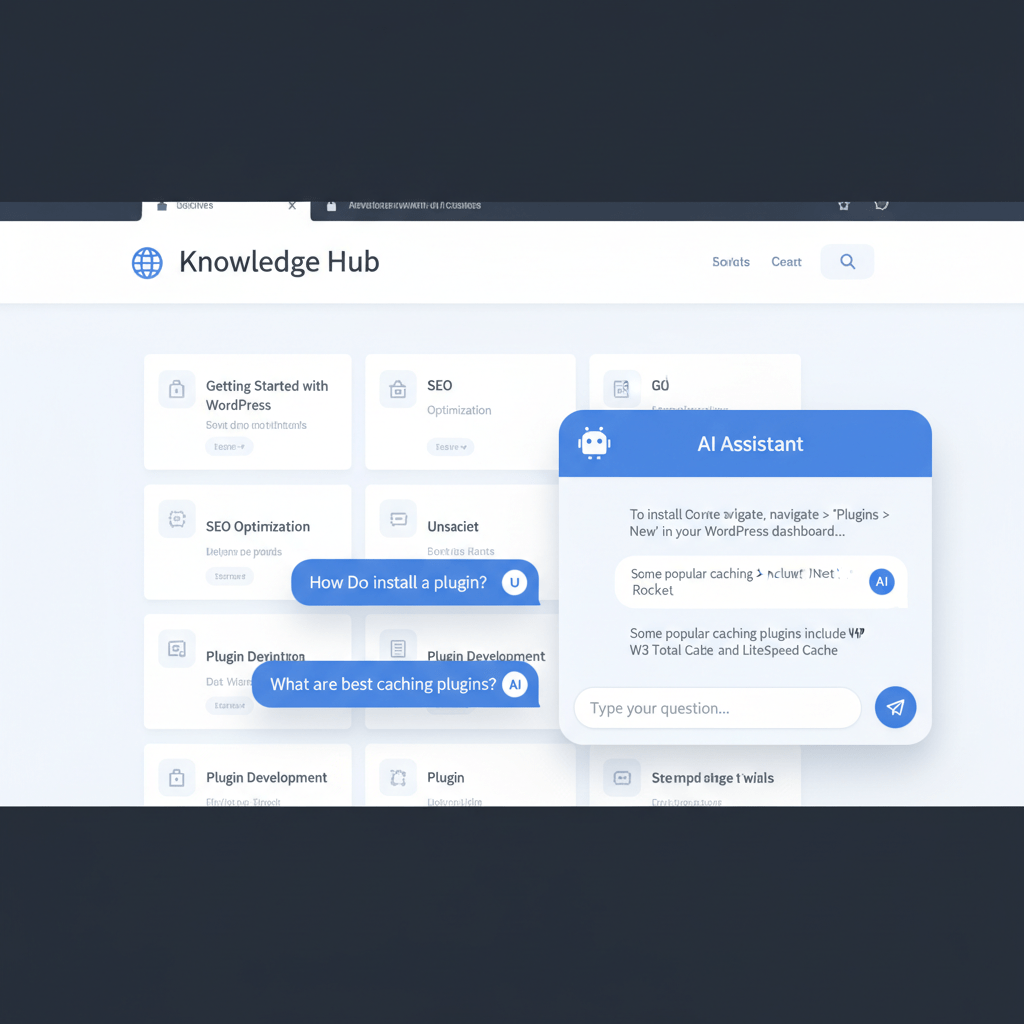
Tidio with Lyro AI is the most capable chatbot option for WordPress. Lyro is trained on your site’s FAQ content and support documentation — it answers questions automatically, handles common support queries based on your specific content, and escalates to a human agent when it can’t resolve the issue. It integrates with WooCommerce and supports order tracking queries natively. The free plan covers up to 50 Lyro conversations per month; paid plans scale with conversation volume.
AI Engine’s built-in chatbot offers a lighter-weight alternative if you’re already using AI Engine for content. It creates a chatbot powered by whichever AI provider you’ve configured (OpenAI, Claude, Gemini), can be given specific context about your site or products, and embeds on any page or post via shortcode. It has less customer support-specific functionality than Tidio — no escalation logic, no WooCommerce order integration — but works without a separate third-party subscription and is adequate for answering general site questions.
AI image optimization
Image optimization is the AI integration with the lowest configuration overhead — install the plugin, enter an API key, and it processes images automatically on upload without editor intervention.
Imagify uses AI compression to reduce image file sizes by 20–80% depending on format and content, serving WebP automatically to browsers that support it. It processes images on upload and can batch-compress an existing media library. Imagify also generates image alt text automatically using AI — useful for large media libraries where writing descriptive alt text manually is time-prohibitive at scale.
ShortPixel offers comparable compression with a credit-based pricing model — each image conversion costs credits purchased separately from the plugin. It supports WebP and AVIF output and integrates with the media library in the same way as Imagify. The credit model can be more economical for sites with low-to-moderate image volume that don’t need unlimited monthly conversions.
AI for WooCommerce stores
WooCommerce stores have two high-value AI use cases: product description generation and customer support chatbots.
WooAI (built into WooCommerce via the Woo extension) generates product descriptions from the product title and attributes — the fastest setup if you’re already in the WooCommerce ecosystem. It’s trained on e-commerce copy rather than general text, which produces descriptions with appropriate product-page tone. It runs per-product from the product edit screen and doesn’t require a separate AI plugin or API key.
AI Engine can also generate WooCommerce product descriptions using whichever AI provider you’ve configured. If you’re already using AI Engine for blog content generation, consolidating product descriptions through the same plugin avoids a second AI subscription. The tradeoff is that AI Engine’s output is general-purpose rather than e-commerce-trained.
For Tidio with Lyro AI, the WooCommerce integration specifically handles the most common store support conversations: order status, product questions, return policies, and shipping estimates. For AI-driven product recommendations, personalized shopping experiences, and retrieval-augmented generation (RAG) for product discovery, the technical requirements go beyond a plugin — see the AI personalization for WooCommerce guide for implementation approaches.
How to implement AI on a WordPress site
Start with one use case and validate it before adding more. Each AI plugin adds API calls and potential latency, and it’s easier to assess impact when only one variable changes at a time.
- Install AI Engine from the WordPress plugin repository. In the plugin settings, add an API key from OpenAI (platform.openai.com), Anthropic (console.anthropic.com), or Google. Test content generation in a draft post to confirm the API key is working and response quality is acceptable before using it on published content.
- Enable Rank Math Content AI if Rank Math is already installed. The feature is included in Rank Math Pro — activate it in Rank Math’s settings panel and set your default target language and content tone. It runs per-post alongside the existing SEO analysis panel without additional configuration.
- Add Tidio once content tools are running stably. Install Tidio from the plugin repository, create a Tidio account, and connect a Lyro AI plan. Upload your FAQ content or paste support documentation as Lyro’s knowledge base. Run test conversations covering the most common questions your site receives before making the chatbot visible to visitors.
- Configure image optimization last. Install Imagify, add the API key from imagify.io, and set the compression mode (Aggressive works well for most sites). Run the bulk optimizer on the existing media library. Check a sample of compressed images visually before assuming the settings are correct for all content types.
After each addition, run a performance check in GTmetrix or PageSpeed Insights. AI plugins that make synchronous external API calls can affect Time to First Byte if they’re triggered on page load — chatbots that initialize on every page are a common source of this. Configure chatbots to load asynchronously or only on pages where they’re needed.
For the broader picture of how AI is changing WordPress site architecture — including headless WordPress with AI APIs, generative content strategies, and how AI answer engines are changing SEO — see the complete WordPress AI guide.


