
There are two ways to use a shortcode in WordPress:
1. In the Editor
If you’re calling a shortcode in the classic editor, the block editor, or any page builder, just write the shortcode in square brackets directly in the content.
Example:
[your_shortcode_here]
2. In a Template or PHP File
If you want to run a shortcode inside a theme template or any other PHP file, use the WordPress built-in do_shortcode() function.
Example:
<?php echo do_shortcode( '[your_shortcode_here]' ); ?>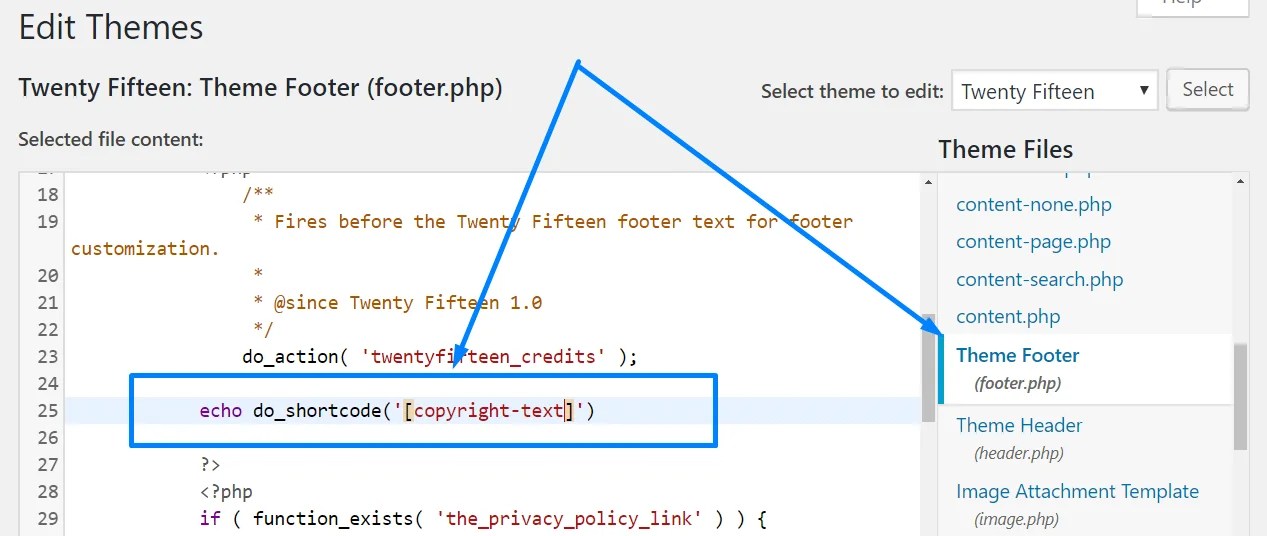
For more on WordPress, check out this WordPress guide.
To dive deeper, see how to get the title in a WordPress template page.


