
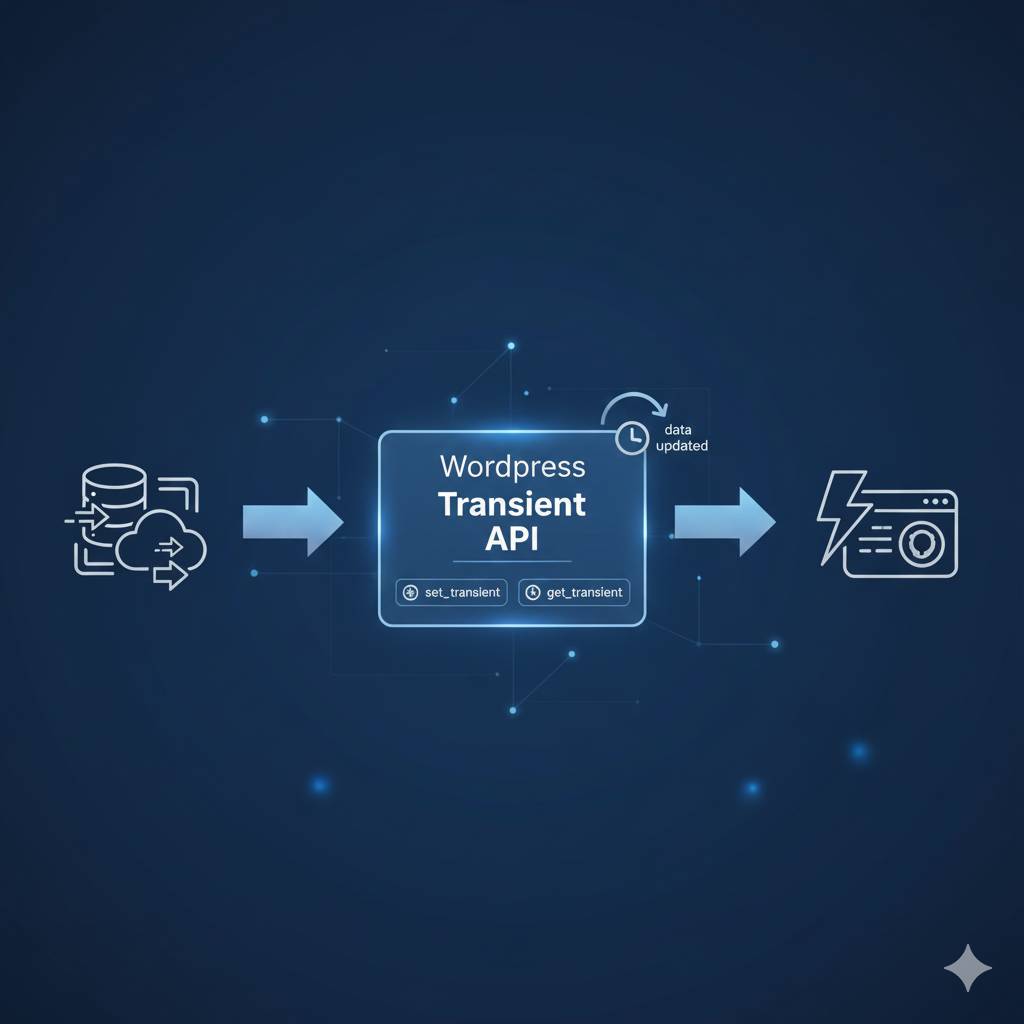
What is the Transient API and Why It’s Not Just a Cache Plugin
The Transient API provides a simple, persistent key-value store in your database’s wp_options table (specifically, entries starting with _transient_).
- Temporary: Unlike standard
update_option(), transients have a mandatory expiration time. They automatically disappear when they expire, ensuring your data is eventually refreshed. - Smart: If you use a persistent object cache (like Redis or Memcached), WordPress is smart enough to store transients there instead of the database, providing massive speed gains.
- Targeted: It allows you to cache specific pieces of data (e.g., the JSON from an API call, or the HTML output of a complex shortcode) rather than caching the entire page.
The Transient API’s Core Functions
get_transient( $transient ): Retrieves the cached data based on its key ($transient).set_transient( $transient, $value, $expiration ): Stores the data ($value) under a key ($transient) for a specified duration ($expiration).delete_transient( $transient ): Manually deletes a transient before its expiration time (useful after a configuration change).
Scenario 1: Caching Expensive WP_Query Results (The Performance Fix)
Complex WP_Query loops involving multiple meta_query or tax_query filters can slow down your site dramatically. Caching the entire resulting object is the perfect optimization.
The Code Example (WP_Query)
function get_cached_expensive_posts() {
    $transient_key = 'high_value_post_results';
    $cache_time = HOUR_IN_SECONDS * 6; // Cache for 6 hours
    // 1. Try to retrieve the cached results
    $cached_posts = get_transient( $transient_key );
    if ( false !== $cached_posts ) {
        // Cache hit! Return the cached data immediately
        return $cached_posts;
    }
    // 2. Cache miss! Run the expensive query
    $args = array(
        'post_type' => 'project',
        'posts_per_page' => 10,
        // ... (Your complex meta_query and tax_query args)
    );
    $fresh_posts = new WP_Query( $args );
    // 3. Store the new results and set the expiration time
    set_transient( $transient_key, $fresh_posts, $cache_time );
    // 4. Return the freshly generated data
    return $fresh_posts;
}
// Usage: $my_posts = get_cached_expensive_posts();
Developer Insight: You are only running the new WP_Query() once every six hours, dramatically reducing database load.
Scenario 2: Caching External API Calls (Optimizing Remote Data)
If your site relies on external APIs (e.g., pulling live stock data, weather, or social media feeds), those remote calls are slow and unreliable. Transients make them fast and fault-tolerant.
The Code Example (API Call)
function get_cached_stock_data( $ticker ) {
    $transient_key = 'stock_data_' . sanitize_key( $ticker );
    $cache_time = MINUTE_IN_SECONDS * 15; // Cache for 15 minutes
    // 1. Check the cache
    $stock_data = get_transient( $transient_key );
    if ( false === $stock_data ) {
        // 2. Cache miss: Make the slow HTTP request
        $response = wp_remote_get( "https://api.externalstock.com/price/{$ticker}" );
        if ( is_wp_error( $response ) || 200 !== wp_remote_retrieve_response_code( $response ) ) {
            // Handle error: return stale data if it exists, or fail gracefully
            return get_transient( 'last_known_' . $transient_key );
        }
        $stock_data = json_decode( wp_remote_retrieve_body( $response ), true );
        // 3. Store the successful response
        set_transient( $transient_key, $stock_data, $cache_time );
        // Also store a longer-term copy for error handling (stale data)
        set_transient( 'last_known_' . $transient_key, $stock_data, DAY_IN_SECONDS );
    }
    return $stock_data;
}
Developer Insight: Using a slightly longer-lived “last known” transient is a powerful technique to prevent a blank page if the external API fails. You serve slightly stale but still useful data rather than an error.
Best Practices for Robust Transient Management
To ensure your caching strategy is effective and clean, follow these developer guidelines:
- Use Clear Keys: Keys should be unique, descriptive, and follow naming conventions. Use
sanitize_key()if part of the key comes from user input or variable data. - The Expiration Time (
$expiration): This is the most crucial part. Use WordPress’s built-in constants for clarity:MINUTE_IN_SECONDSHOUR_IN_SECONDSDAY_IN_SECONDSWEEK_IN_SECONDS
- Prime the Cache: For mission-critical data, don’t wait for the cache to expire naturally. Use an action hook (
save_post,edited_term, etc.) or a dedicated function to manuallydelete_transient()whenever the source data is modified.
Example: Manually Clearing Transients on Post Update
If the cached query in Scenario 1 relies on the project custom post type, you should clear the cache when a project is saved:
function clear_project_cache_on_save( $post_id ) {
    // Check if it's the right post type
    if ( 'project' !== get_post_type( $post_id ) ) {
        return;
    }
    // Delete the transient to force a refresh on the next page load
    delete_transient( 'high_value_post_results' );
}
add_action( 'save_post', 'clear_project_cache_on_save' );
Transients vs. Options vs. Object Cache
Developers often confuse these WordPress storage methods. Here is a quick cheat sheet:
| Mechanism | Purpose | Persistence | Performance |
| Transients | Temporary caching of complex data (queries, APIs). | Temporary (Auto-expiring) | High. Can use Object Cache if installed. |
| Options | Permanent storage of settings (plugin settings, theme options). | Permanent | Lower. Always hits the database. |
| Object Cache | In-memory storage (Redis/Memcached) for all database queries. | Session/Variable Lifespan | Highest. Extremely fast, server-side. |
Key Takeaway: Always use the Transient API for temporary data; let WordPress handle whether it lands in the database or the lightning-fast Object Cache layer.
Conclusion: Build Faster Features with Transients
The Transient API is an indispensable tool in the modern WordPress developer’s arsenal. It allows you to strategically manage performance, significantly reducing your reliance on expensive database hits and slow external requests. By correctly implementing the simple get_transient and set_transient pattern, you immediately optimize your custom features and contribute to a faster, more reliable user experience.
Stop recalculating expensive data on every request. Start caching it smartly.
Are your custom WordPress features still lagging or causing database spikes?
If you need help implementing custom caching strategies, integrating the Transient API into your theme/plugin code, or analyzing your site’s slow queries, contact me today for expert WordPress performance consulting and code optimization.