
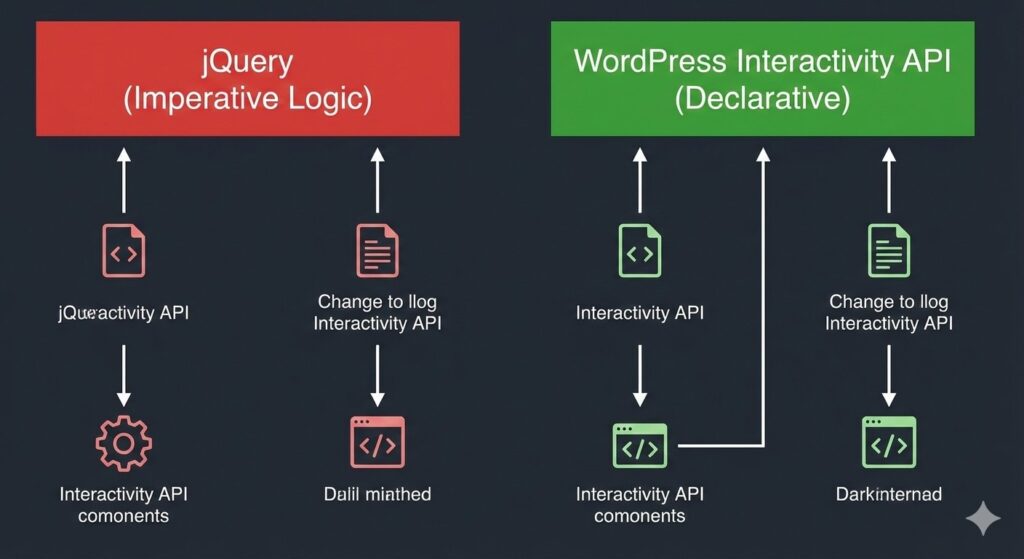
What is the Interactivity API?
The Interactivity API is a lightweight frontend framework built specifically for the block editor. It uses a declarative approach, meaning you describe what the UI should look like based on the data, rather than how to change it manually with DOM manipulation.
Why This is a Game-Changer for SEO
Google’s ranking algorithm rewards Interaction to Next Paint (INP).
- jQuery often blocks the main thread, leading to “laggy” feeling sites and lower SEO scores.
- The Interactivity API is incredibly lean. It only loads the necessary code for the blocks present on the page, ensuring your site remains lightning-fast.
Core Concepts: Directives and the Store
To master this API, you only need to understand two main concepts: Directives and the Store.
1. Directives (The HTML part)
Directives are custom attributes added to your block’s HTML. They tell WordPress what the element should do.
- data-wp-interactive: “Activates” the API for this block.
- data-wp-on–click: Listens for a click event.
- data-wp-bind–class: Changes a CSS class based on data.
2. The Store (The JavaScript part)
The “Store” holds the state of your block (e.g., Is the menu open?) and the actions (the functions that change that state).
// store.js
import { store } from "@wordpress/interactivity";

store( "my-plugin", {
    state: {
        isOpen: false,
    },
    actions: {
        toggle: ( { state } ) => {
            state.isOpen = !state.isOpen;
        },
    },
} );
Interactivity API vs. Alpine.js vs. React
Many developers ask if they should just use Alpine.js or React. Here is how they compare:
| Feature | Interactivity API | Alpine.js | React |
| Native to WP | Yes | No | Yes (Backend only) |
| Learning Curve | Low | Low | High |
| Bundle Size | ~10kb (Shared) | ~15kb (Extra) | ~40kb+ (Extra) |
| SEO Impact | Excellent (Native) | Good | Average (Hydration issues) |
How to Implement Your First Interactive Block
- Register the Block: Use block.json and ensure you add “interactivity”: true under the supports field.
- Add Directives: In your save.php or render.php, add the data-wp-interactive attributes.
- Define the Logic: Create a view.js file to handle your state and actions.
By using this native method, your block will seamlessly work with Block Patterns and even Headless WordPress setups, as the directives are simple HTML attributes that can be passed via the REST API.
Conclusion
The wordpress interactivity api tutorial isn’t just about learning a new tool; it’s about embracing the future of the web. By using native tools, you reduce technical debt, improve your Core Web Vitals, and build sites that Google loves to rank.
In our next post, we’ll look at Full Site Editing (FSE) and how to build entire themes using only these modern block-based tools.