
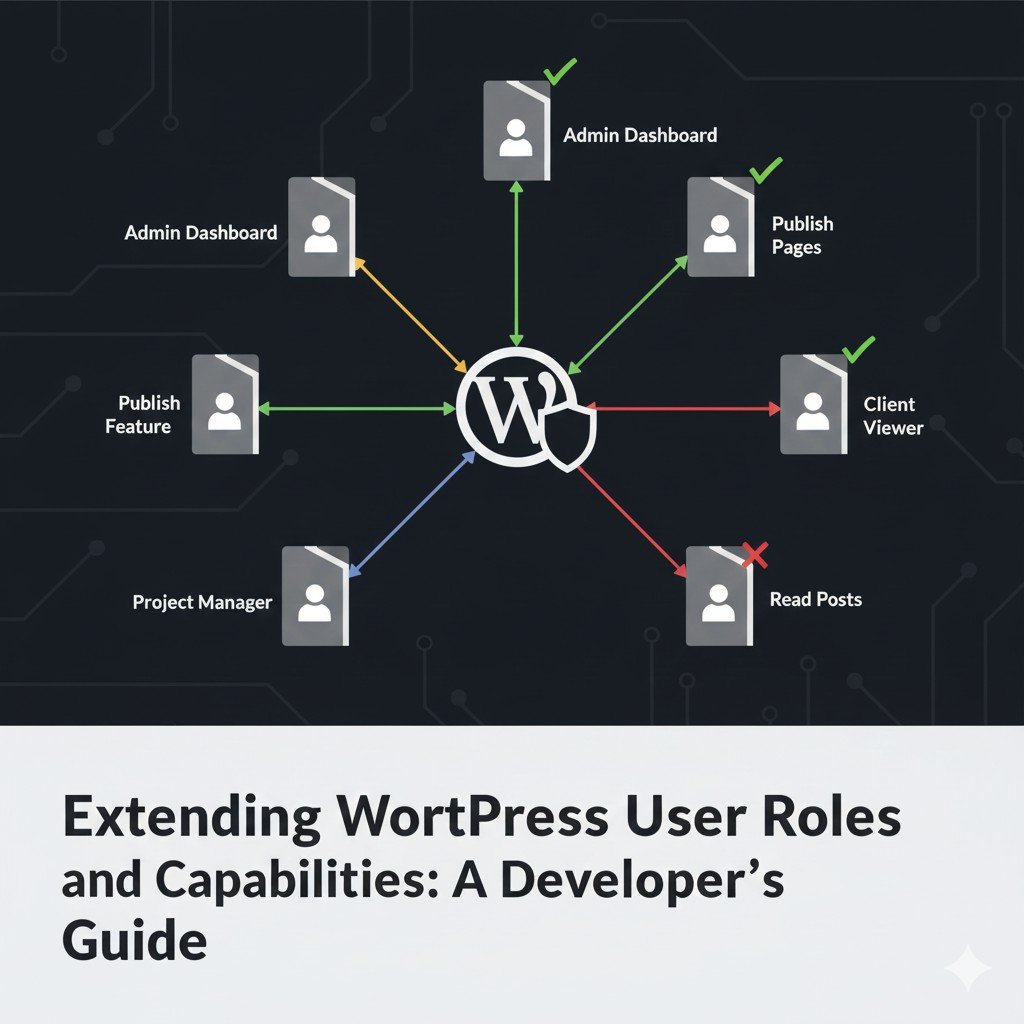
Understanding WordPress User Roles and Capabilities
Before we write any code, let’s clarify the two core concepts:
-
Capabilities:
These are individual permissions that represent what a user can do. Examples include
edit_posts,publish_pages,manage_options,delete_users, or even custom capabilities likemanage_productsorview_private_dashboard. WordPress has hundreds of built-in capabilities. -
Roles:
These are collections of capabilities. Instead of assigning
edit_posts,publish_posts, anddelete_postsindividually to every new author, you simply assign them the “Author” role, which already bundles those capabilities.
Key Principle: Users are assigned Roles, and Roles are assigned Capabilities.
Step-by-Step: Creating a Custom User Role Programmatically
The best place to manage your custom roles and capabilities is usually within a custom plugin or your theme’s functions.php file (though a plugin is generally preferred for portability).
1. The add_role() Function: Defining a New Role
You should define your custom roles only once, typically when your plugin/theme is activated.
// In a custom plugin file or functions.php
function my_plugin_add_custom_roles() {
    // Add a 'Project Manager' role
    add_role(
        'project_manager', // Role slug (unique ID)
        __( 'Project Manager', 'my-plugin-textdomain' ), // Display name
        array( // Capabilities this role will have
            'read'         => true,  // Can read posts/pages
            'edit_posts'   => true,  // Can edit their own posts
            'upload_files' => true,  // Can upload media
            'view_private_projects' => true, // Custom capability
        )
    );
    // Add a 'Client Viewer' role
    add_role(
        'client_viewer',
        __( 'Client Viewer', 'my-plugin-textdomain' ),
        array(
            'read' => true,
            'view_private_projects' => true, // Same custom capability as above
        )
    );
}
// Hook this function to run on plugin activation
register_activation_hook( __FILE__, 'my_plugin_add_custom_roles' );
Explanation:
project_managerandclient_viewerare the unique slugs.__('Project Manager', 'my-plugin-textdomain')is for translatable display.- The array defines the default capabilities. Notice
view_private_projects– this is a custom capability we just invented.
2. The remove_role() Function: Cleaning Up on Deactivation
It’s good practice to remove custom roles when your plugin/theme is deactivated, preventing database clutter.
// In the same custom plugin file or functions.php
function my_plugin_remove_custom_roles() {
    remove_role( 'project_manager' );
    remove_role( 'client_viewer' );
}
// Hook this function to run on plugin deactivation
register_deactivation_hook( __FILE__, 'my_plugin_remove_custom_roles' );
Managing Capabilities: add_cap() and remove_cap()
Once roles are defined, you can dynamically add or remove capabilities from any role (default or custom) using get_role().
1. Adding Capabilities to Existing Roles
Let’s say you want Administrators to also have your custom view_private_projects capability.
function my_plugin_add_capabilities() {
    // Get the administrator role object
    $admin_role = get_role( 'administrator' );
    if ( null !== $admin_role ) {
        // Add the custom capability
        $admin_role->add_cap( 'view_private_projects' );
    }
    // You can also add caps to your custom roles after they've been created
    $manager_role = get_role( 'project_manager' );
    if ( null !== $manager_role ) {
        $manager_role->add_cap( 'edit_private_projects' ); // Another custom capability
    }
}
add_action( 'admin_init', 'my_plugin_add_capabilities' ); // Run on admin init for existing roles
// Or on plugin activation if roles are added then
// register_activation_hook( __FILE__, 'my_plugin_add_capabilities' );
2. Removing Capabilities from Roles
To remove the upload_files capability from a contributor:
function my_plugin_remove_capabilities() {
    $contributor_role = get_role( 'contributor' );
    if ( null !== $contributor_role ) {
        $contributor_role->remove_cap( 'upload_files' );
    }
}
// This should also be run at a suitable point, e.g., on plugin activation/deactivation or admin_init
// add_action( 'admin_init', 'my_plugin_remove_capabilities' );
Best Practice: When making changes to existing roles, run these functions once (e.g., on plugin activation/deactivation), not on every page load (admin_init is fine if idempotent, but activation is safer).
Using Custom Capabilities: The current_user_can() Function
Once you’ve created custom capabilities, you need to use them to restrict access to content or features.
// Example: Protect a custom post type archive
function restrict_private_projects_archive() {
    if ( is_post_type_archive( 'project' ) && ! current_user_can( 'view_private_projects' ) ) {
        wp_redirect( home_url() ); // Redirect to homepage
        exit;
    }
}
add_action( 'template_redirect', 'restrict_private_projects_archive' );
// Example: Hide a menu item
function my_plugin_hide_menu_items( $menu_order ) {
    global $menu;
    foreach ( $menu as $key => $item ) {
        if ( $item[2] === 'edit.php?post_type=private_projects' && ! current_user_can( 'edit_private_projects' ) ) {
            unset( $menu[$key] );
        }
    }
    return $menu_order;
}
add_filter( 'custom_menu_order', '__return_true' );
add_filter( 'menu_order', 'my_plugin_hide_menu_items' );
Mapping Meta Capabilities (map_meta_cap Filter)
This is where things get truly advanced and powerful. WordPress maps “meta capabilities” (like edit_post, delete_post) to primitive capabilities (like edit_posts) based on context (e.g., which post, whose post).
The map_meta_cap filter allows you to define how WordPress should handle your custom meta capabilities. For example, if you have a custom post type project, you might want edit_project to map to edit_others_projects if the user isn’t the author.
function my_plugin_map_meta_capabilities( $caps, $cap, $user_id, $args ) {
    // Only target our custom 'edit_project' meta capability
    if ( 'edit_project' === $cap || 'delete_project' === $cap || 'read_project' === $cap ) {
        $post_id = $args[0] ?? 0; // Get the post ID from the arguments
        if ( empty( $post_id ) ) {
            // No post ID provided, so check if they can manage projects generally
            $caps[] = 'manage_projects';
            return $caps;
        }
        $post = get_post( $post_id );
        if ( ! $post || 'project' !== $post->post_type ) {
            return $caps;
        }
        // Check if the user is the author of the project
        if ( $user_id === (int) $post->post_author ) {
            // User is the author, allow them to edit/delete their own
            if ( 'edit_project' === $cap ) {
                $caps[] = 'edit_projects'; // Primitive capability
            } elseif ( 'delete_project' === $cap ) {
                $caps[] = 'delete_projects';
            }
        } else {
            // User is not the author, check if they can edit/delete others' projects
            if ( 'edit_project' === $cap ) {
                $caps[] = 'edit_others_projects'; // Another primitive capability
            } elseif ( 'delete_project' === $cap ) {
                $caps[] = 'delete_others_projects';
            }
        }
        // Ensure the user also has the general 'edit_posts' cap for safety
        $caps[] = 'edit_posts';
    }
    return $caps;
}
add_filter( 'map_meta_cap', 'my_plugin_map_meta_capabilities', 10, 4 );
Explanation: This filter intercepts capability checks. When current_user_can('edit_project', $post_id) is called, this function determines which primitive capability (e.g., edit_posts, edit_others_posts) WordPress should actually check against the user’s roles. This allows for highly flexible and secure permissions for custom post types.
Best Practices for User Role and Capability Management
- Use a Plugin: Always prefer a custom plugin over
functions.phpfor managing roles/caps. It’s portable, easier to update, and less likely to break your site during theme changes. - Deactivate Safely: Always include
remove_role()andremove_cap()in your plugin’s deactivation hook. - Don’t Overdo It: Create only the roles and capabilities you truly need. Too many can become unmanageable.
- Standard Naming: Prefix your custom capabilities (e.g.,
my_plugin_edit_product). - Use
current_user_can(): This is your primary function for checking permissions throughout your code. - Never Modify Core Roles Directly: Avoid directly manipulating WordPress’s default roles (Administrator, Editor, etc.) unless absolutely necessary and you understand the implications. Instead, create new roles or add specific capabilities to existing roles cautiously.
Conclusion: Empower Your WordPress Applications with Granular Control
Extending WordPress user roles and capabilities programmatically is a critical skill for any developer building custom, robust applications. It allows you to move beyond the limitations of default permissions, creating a highly secure and tailored user experience. By mastering add_role(), add_cap(), and the powerful map_meta_cap filter, you gain the control needed to build complex platforms with confidence.
Embrace these techniques to elevate your WordPress development, offering clients and users precisely the access they need, and nothing more.
Is your custom WordPress application struggling with user permissions or access control?
If you need expert help designing and implementing a secure, scalable user role and capability system for your WordPress project, contact me for professional WordPress development and security consulting. Let’s build a foundation of robust access control.