
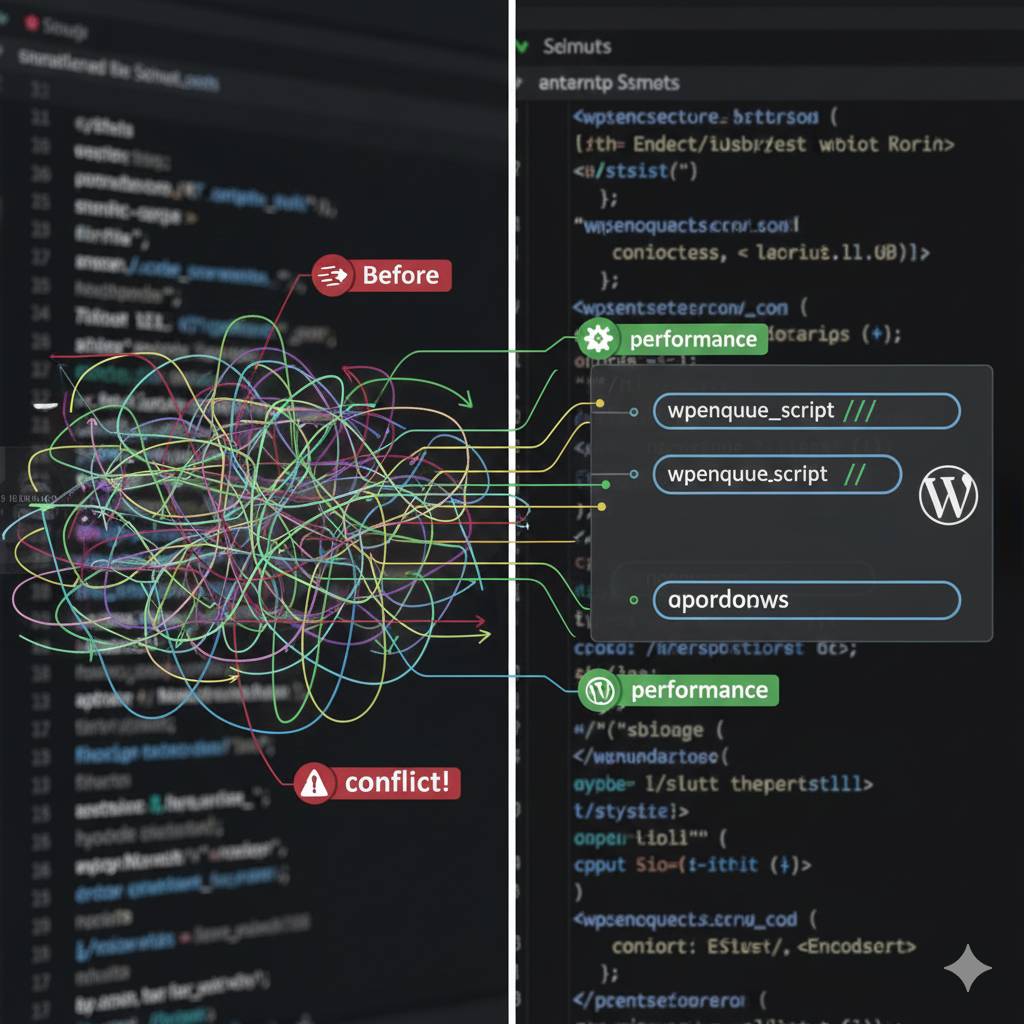
Why Raw <script> Tags Are The Wrong Way
You might be thinking, “What’s wrong with a simple script tag?” Here’s why you should avoid them:
-
Conflicts (jQuery Hell!):
WordPress often ships with its own version of jQuery in “no-conflict” mode. Manually loading another jQuery version or conflicting scripts can break core WordPress functionality, plugins, and even your theme.
-
Performance Hits:
Scripts loaded in the wrong order or without proper deferral can block rendering, slowing down your page load times and hurting your Core Web Vitals.
-
Duplication:
You might inadvertently load the same script multiple times, wasting bandwidth and processing power.
-
Maintainability:
Hardcoding script tags in templates makes them difficult to manage, update, or remove cleanly.
-
Dependency Issues:
Scripts often rely on others (e.g., a custom script needing jQuery). Manual loading provides no built-in way to ensure these dependencies load in the correct order.
The WordPress Way: wp_enqueue_script() Explained
wp_enqueue_script() is WordPress’s built-in, robust system for managing JavaScript files. It ensures scripts are loaded correctly, efficiently, and with proper dependency handling.
You typically use wp_enqueue_script() within a function hooked to wp_enqueue_scripts (for front-end assets) or admin_enqueue_scripts (for admin-specific assets).
The Syntax:
wp_enqueue_script( $handle, $src, $deps, $ver, $in_footer );
Let’s break down each parameter:
$handle(string, required): A unique name for your script. Use a descriptive, lowercase name (e.g.,'my-custom-script'). WordPress uses this to track the script, preventing duplicates.$src(string, optional): The URL of the script. This can be a full URL for a CDN-hosted library or a relative path for a local file (e.g.,get_template_directory_uri() . '/js/my-script.js'). If omitted, WordPress assumes the script is already registered.$deps(array, optional): An array of handles of any scripts this script depends on. WordPress will ensure these dependency scripts are loaded before your script. (e.g.,array('jquery')).$ver(string|bool|null, optional): The version number of the script. Appended as a query string (e.g.,?ver=1.0.0). Crucial for cache busting when you update your script. Usenullorfalseto omit, orfilemtime( get_template_directory() . '/js/my-script.js' )for dynamic cache busting.$in_footer(bool, optional): Whether to enqueue the script in the HTML footer (true) or the header (false). Always try to load scripts in the footer (true) for better page load performance. Default isfalse.
Step-by-Step: Integrating an External JavaScript Library
Let’s integrate an example library, say, a simple animation library (e.g., animate.js), hosted locally in your theme.
Scenario 1: Local Custom Script (No Dependencies)
You have a custom script my-custom-animations.js located in yourtheme/assets/js/.
- Create a dedicated enqueue function: Add this to your theme’s
functions.phpfile:function my_theme_enqueue_scripts() { wp_enqueue_script( 'my-custom-animations', // Unique handle get_template_directory_uri() . '/assets/js/my-custom-animations.js', // Full URL to script array(), // No dependencies filemtime( get_template_directory() . '/assets/js/my-custom-animations.js' ), // Version for cache busting true // Load in footer ); } add_action( 'wp_enqueue_scripts', 'my_theme_enqueue_scripts' );get_template_directory_uri(): Safely gets the URL of your theme folder.filemtime(): Dynamically sets the version to the file’s last modification time, ensuring browsers always get the latest version after an update.
Scenario 2: Local Script with a jQuery Dependency
Your my-custom-slider.js needs jQuery to function, and it’s located in yourtheme/assets/js/.
- Modify the enqueue function:
function my_theme_enqueue_scripts() { // Enqueue jQuery (WordPress core handles its loading, we just declare dependency) // wp_enqueue_script('jquery'); // Not strictly necessary as declaring dependency is enough wp_enqueue_script( 'my-custom-slider', // Unique handle get_template_directory_uri() . '/assets/js/my-custom-slider.js', // Full URL to script array('jquery'), // IMPORTANT: This script depends on jQuery filemtime( get_template_directory() . '/assets/js/my-custom-slider.js' ), // Version true // Load in footer ); } add_action( 'wp_enqueue_scripts', 'my_theme_enqueue_scripts' );- By adding
array('jquery')as a dependency, WordPress automatically ensures its version of jQuery is loaded beforemy-custom-slider.js.
- By adding
Scenario 3: External Library from a CDN
You want to use Swiper.js from a CDN.
- Modify the enqueue function:
function my_theme_enqueue_scripts() {
    wp_enqueue_script(
        'swiper-js', // Unique handle for Swiper
        'https://unpkg.com/swiper@11.0.5/swiper-bundle.min.js', // Full CDN URL
        array(), // No specific WordPress dependencies (Swiper is standalone)
        '11.0.5', // Swiper's version number for CDN (or null if not critical)
        true // Load in footer
    );
    // If you had a custom script that uses Swiper, you'd enqueue it like this:
    wp_enqueue_script(
        'my-swiper-init',
        get_template_directory_uri() . '/assets/js/my-swiper-init.js',
        array('swiper-js'), // This script depends on 'swiper-js'
        filemtime( get_template_directory() . '/assets/js/my-swiper-init.js' ),
        true
    );
}
add_action( 'wp_enqueue_scripts', 'my_theme_enqueue_scripts' );
Scenario 4: Dequeueing (Removing) Unwanted Scripts
Sometimes, a plugin might load a script you don’t need or that conflicts. You can dequeue it.
function my_theme_dequeue_scripts() {
    wp_dequeue_script( 'unwanted-plugin-script-handle' ); // Replace with the actual handle
}
add_action( 'wp_enqueue_scripts', 'my_theme_dequeue_scripts', 99 ); // High priority to run after others
add_action( 'admin_enqueue_scripts', 'my_theme_dequeue_scripts', 99 ); // Also for admin if needed
- You’ll need to inspect the source code of your site or use a tool like “Asset CleanUp: Page Speed Booster” to find the exact handle of the script you want to dequeue.
Best Practices for Robust JavaScript Integration
Beyond just using wp_enqueue_script(), consider these developer best practices:
- Load in Footer (
true): Whenever possible, load scripts in the footer. This prevents render-blocking JavaScript and allows the HTML and CSS to load first, improving perceived page speed. - Handle Naming: Use clear, unique, and consistent handles (e.g.,
my-theme-sliderinstead of justslider). Prefix with your theme/plugin name. - Version Numbers: Always specify a version number or use
filemtime()for local scripts. This is critical for cache busting. - Conditional Loading: Only load scripts on pages where they are actually needed. Use conditional tags (
is_page(),is_single(),is_front_page(), etc.) within your enqueue function to prevent unnecessary script loads.function my_theme_conditional_scripts() { if ( is_page('contact') ) { wp_enqueue_script('contact-form-validation', get_template_directory_uri() . '/js/contact.js', array('jquery'), null, true); } } add_action('wp_enqueue_scripts', 'my_theme_conditional_scripts'); - Minify and Concatenate: For production, ensure your scripts are minified and potentially concatenated to reduce file size and HTTP requests. Use build tools (like Gulp/Webpack) or caching plugins.
- Defer and Async Attributes: While
wp_enqueue_scripthandles footer loading, for advanced optimization, you might manually adddeferorasyncattributes to specific script tags using thescript_loader_tagfilter, especially for non-critical third-party scripts.function add_defer_attribute( $tag, $handle, $src ) { // Add defer to specific handles if ( 'my-non-critical-script' === $handle ) { $tag = '<script type="text/javascript" src="' . $src . '" defer></script>'; } return $tag; } add_filter( 'script_loader_tag', 'add_defer_attribute', 10, 3 ); - Avoid Inline JavaScript (Mostly): Keep most of your JavaScript in external files. If you need dynamic data passed from PHP to JS, use
wp_localize_script().
Using wp_localize_script() for PHP to JavaScript Communication
Avoid printing dynamic data directly into <script> tags in your HTML. Use wp_localize_script() to safely pass PHP variables to your enqueued JavaScript.
function my_theme_localize_scripts() {
    wp_enqueue_script(
        'my-ajax-script',
        get_template_directory_uri() . '/assets/js/my-ajax-script.js',
        array('jquery'),
        filemtime( get_template_directory() . '/assets/js/my-ajax-script.js' ),
        true
    );
    $script_data = array(
        'ajax_url' => admin_url('admin-ajax.php'),
        'nonce'    => wp_create_nonce('my_ajax_nonce'),
        'custom_var' => get_option('my_custom_setting'),
    );
    wp_localize_script( 'my-ajax-script', 'MyAjax', $script_data );
}
add_action( 'wp_enqueue_scripts', 'my_theme_localize_scripts' );
In your my-ajax-script.js, you can then access these variables via the MyAjax object:
jQuery(document).ready(function($) {
    console.log(MyAjax.ajax_url);
    console.log(MyAjax.nonce);
    console.log(MyAjax.custom_var);
});
Conclusion: Build a Robust, Performant WordPress Site
Integrating external JavaScript libraries into WordPress is a fundamental development task. By embracing wp_enqueue_script() and following best practices for dependency management, footer loading, and conditional inclusion, you move beyond mere functionality to building truly robust, high-performing, and conflict-free WordPress websites.
This approach not only prevents common issues but also significantly improves your site’s long-term maintainability and user experience, which Google (and your visitors) will reward. Take the extra few minutes to do it the “WordPress Way” – your future self (and clients) will thank you.
Struggling with JavaScript conflicts or performance issues on your WordPress site?
If your custom scripts are causing headaches or your site is lagging due to inefficient JavaScript loading, contact me for expert WordPress performance optimization and front-end development. I can help clean up your scripts and streamline your site’s performance.